
-
@Kleithon • Mar 21, 2026Mar 21, 202636The Wi-Fi icon shows connected, but websites are not opening. when i maybe try chatgpt.com it shows this site can't be reached. Err_name_not_resolved error.
-
@norman • Mar 21, 2026Mar 21, 2026114How to Create a Windows 11 Bootable USB using Rufus
Creating a bootable USB for Windows 11 allows clean installations, offline setups, or recovery operations without relying on cloud-based tools or installation assistants. Rufus is a compact utility widely used... -
@norman • Mar 21, 2026Mar 21, 202689How to Install Windows 11 on Unsupported Hardware
Microsoft continues to enforce strict hardware requirements for Windows 11, including TPM 2.0, Secure Boot, UEFI firmware, and a supported CPU. Many older systems, including popular Core i3 and FX-series... -
@norman • Mar 21, 2026Mar 21, 2026276How to Install Windows 11 on Your PC (Step-by-Step Guide)
Installing an operating system shapes how a machine interacts with its hardware, software, and user. For Windows 11, that process comes with essential distinctions. Microsoft released Windows 11 in October... -
@norman • Mar 21, 2026Mar 21, 2026503How to Upgrade Windows 10 to Windows 11 25H2 (Step-by-Step Guide)
Microsoft classifies Windows 11 25H2 as a feature update, built on the core of version 23H2 but with additional refinements and long-term servicing alignment. It follows the annual release cadence... -
@norman • Mar 21, 2026Mar 21, 2026574How to Clean Up a Slow PC on Windows 11: Full Guide
Performance degradation in Windows 11 often results from accumulated software operations, background telemetry, memory paging, or storage inefficiencies. The system relies on complex scheduling, and when task queues exceed available... -
@norman • Mar 21, 2026Mar 21, 2026190Preparing for Windows 11: 10 Things to Do First
Unlike previous releases, Windows 11 enforces a strict baseline for compatibility. Systems must support TPM 2.0, Secure Boot, and UEFI firmware. Many devices from before 2018 may not meet those... -
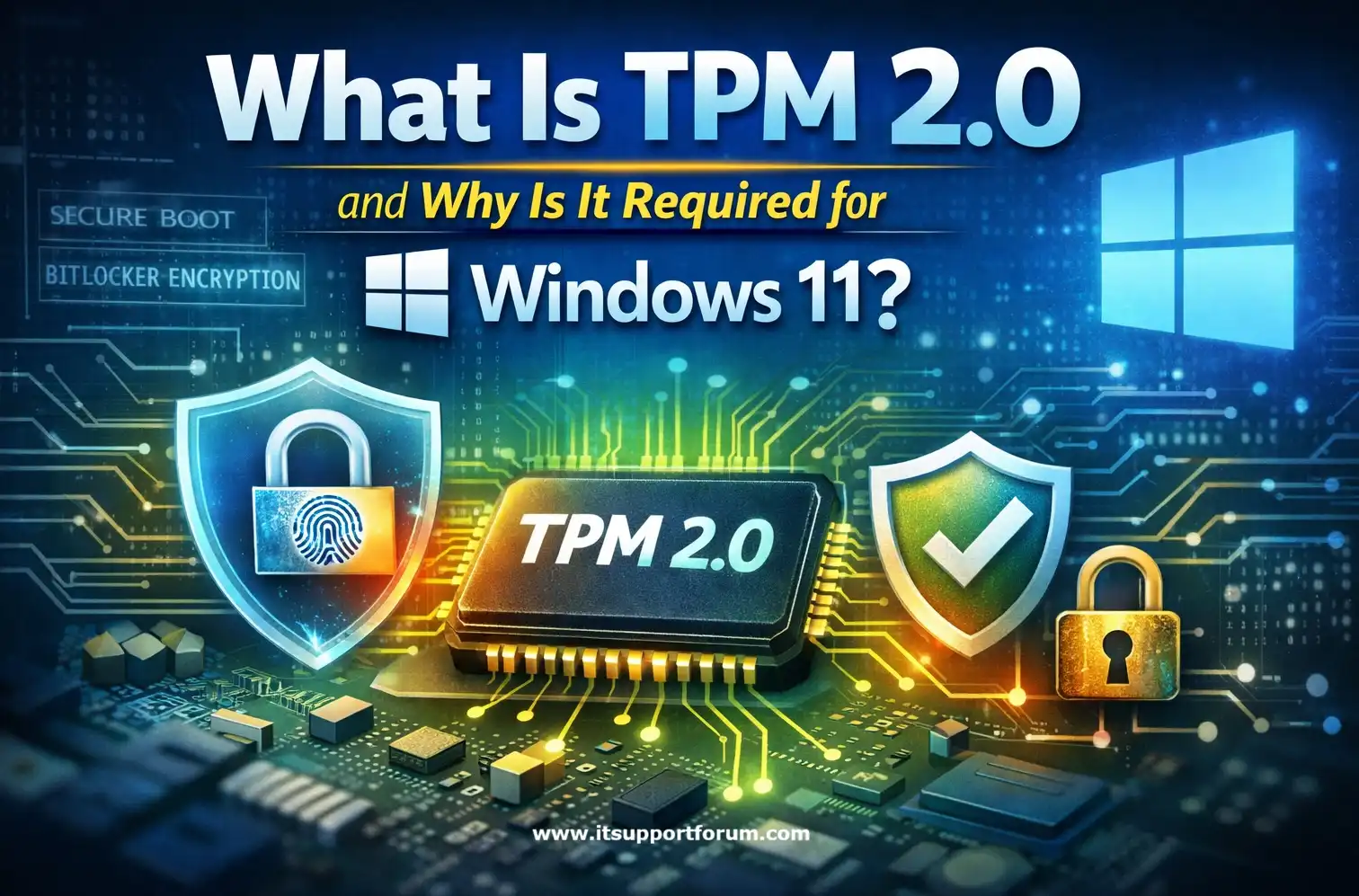
@norman • Mar 21, 2026Mar 21, 2026171What is TPM 2.0 and why is it required?
In June 2021, Microsoft confirmed that TPM 2.0 is a mandatory hardware requirement for Windows 11. Many users only discovered this when their upgrade check failed. The Trusted Platform Module... -
@norman • Mar 21, 2026Mar 21, 2026191Network Security Best Practices for SMBs
In 2024, over 61 percent of small and medium-sized businesses reported at least one cybersecurity incident, according to the Verizon Data Breach Investigations Report. Attackers exploit limited IT budgets, outdated... -
@norman • Mar 21, 2026Mar 21, 202663Top 5 Mistakes During Windows 11 Installation and How to Avoid Them
Windows 11 is technically demanding. Its installer enforces a strict checklist of hardware, security, and firmware conditions that many users overlook. These requirements include TPM 2.0 readiness, UEFI boot configuration,... -
@norman • Mar 21, 2026Mar 21, 20261.2KHow to Run Windows on Mac M4 Without Slowdown
Apple’s transition to custom ARM-based silicon began with the M1 chip in 2020. In 2024, the release of the M4 chipset continued this evolution, delivering substantial gains in CPU efficiency,... -
@norman • Mar 21, 2026Mar 21, 202663How to install Windows 11 on a new PC with no Operating System
A new PC without an operating system cannot boot, launch setup tools, or detect any installation media on its own. It presents a blank state, no BIOS guidance, no built-in... -
@norman • Mar 21, 2026Mar 21, 2026209Reliable Backup Strategy for Small Business Windows Server Systems
Small businesses increasingly rely on local servers to host accounting data, customer records, payroll systems, and internal collaboration tools. Microsoft Windows Server remains the backbone of many of these environments.... -
@norman • Mar 21, 2026Mar 21, 2026270How to Detect a Failing Hard Drive: Early Warning Signs and Diagnostic Steps
Hard drives rarely fail without warning. Most develop performance anomalies well before a complete crash. These symptoms, such as slow data retrieval, unreadable files, or inconsistent boot behavior, suggest underlying... -
@norman • Mar 21, 2026Mar 21, 2026237Laptop Overheating? Fix the Problem Permanently with These Technical Fixes
Laptops operate within tight thermal limits, often between 30°C and 95°C, depending on workload and processor type. When internal heat rises beyond the system’s cooling threshold, the machine initiates thermal... -
@norman • Mar 21, 2026Mar 21, 2026214How to Choose the Best Free Backup Software for Windows
Windows remains the world’s most targeted operating system for ransomware attacks, accounting for nearly 91 percent of incidents in 2024, according to BlackFog's Global Threat Report. Whether you manage a... -
@norman • Mar 20, 2026Mar 20, 2026305How to Recover Files from a Formatted Hard Drive
Formatting a hard drive initiates a system-level operation that prepares the storage device for data use by rewriting its file system metadata. This process erases the file allocation table (FAT... -
@norman • Mar 20, 2026Mar 20, 2026263How to Restore Previous Versions of Files in Windows 11
File versioning in Windows allows users to retrieve earlier states of files without relying on third-party tools or external recovery systems. It is embedded in the operating system’s core functionality... -
@norman • Mar 20, 2026Mar 20, 2026299How to Recover Deleted Files in Windows 10
When you delete a file in Windows 10, the system doesn't immediately erase the data. It simply marks the file’s storage space as available for reuse. The file remains on... -
@norman • Mar 20, 2026Mar 20, 2026447Fix: Network Adapter Issues in Windows 11
The network adapter is a critical software-to-hardware interface that determines how your Windows 11 system connects to Wi-Fi or Ethernet. When it malfunctions, connectivity fails without warning. You may see...